
UML Package Diagrams serve as the backbone of software architecture documentation. They provide a high-level view of how different components of a system interact, organize, and depend on one another. However, creating these diagrams is more than just drawing boxes and arrows; it requires a deep understanding of modularization, coupling, and cohesion. Many architects and developers fall into traps that lead to confusing diagrams, which can cause significant issues during the implementation and maintenance phases.
When a package diagram is poorly constructed, it fails to communicate the intended structure. This leads to ambiguity, increased technical debt, and difficulty in scaling the application. To ensure clarity and efficiency, it is vital to recognize common pitfalls and apply proven corrections. Below is a comprehensive guide detailing ten frequent errors and the strategies to resolve them effectively.
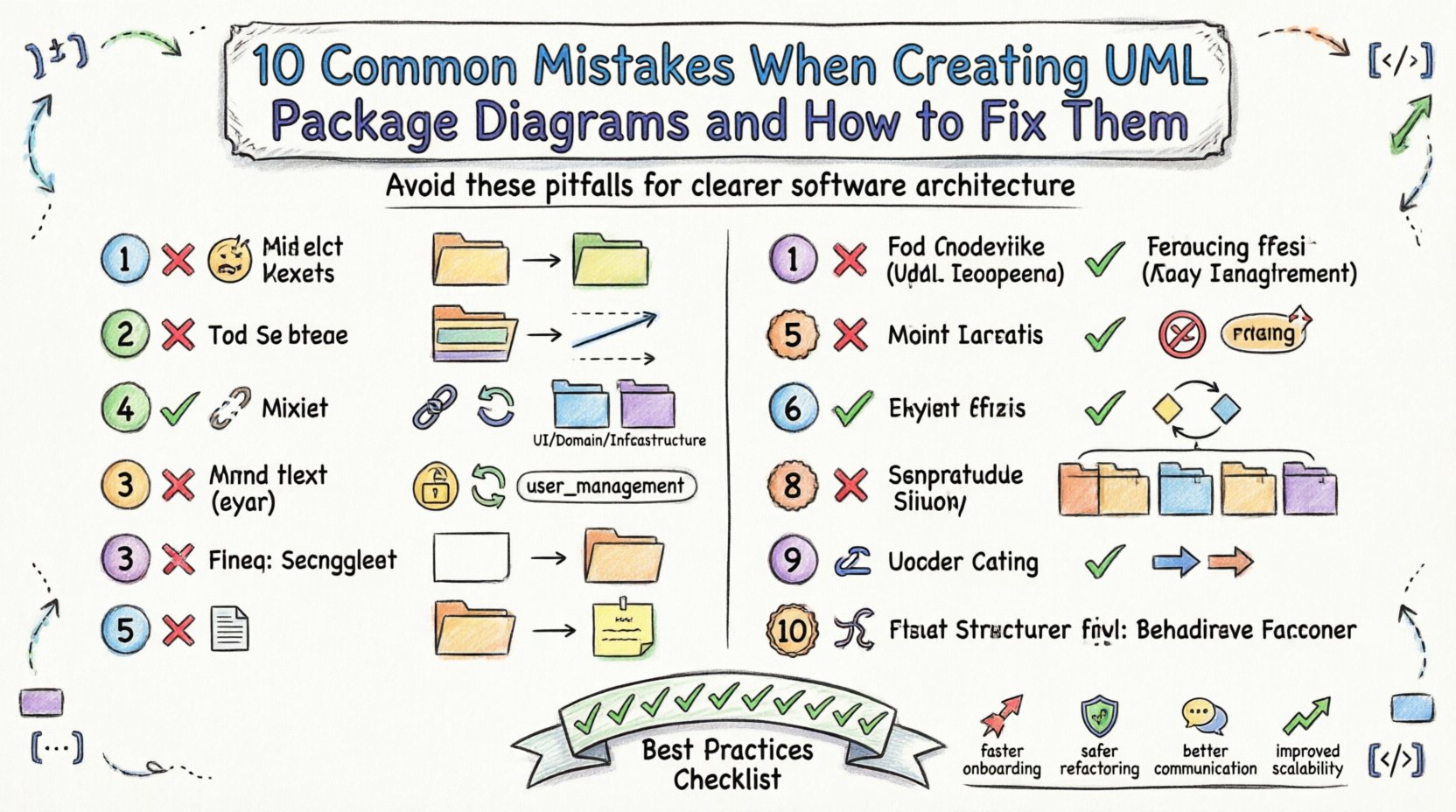
1. Overcomplicating the Hierarchy 🤯
One of the most frequent errors is creating a package structure that is too deep or too granular. Developers often feel the need to place every single class or small function into its own dedicated package. This results in a tree structure that is difficult to navigate and lacks logical cohesion.
- The Problem: A hierarchy with ten levels of nesting makes it hard to find where a specific module resides.
- The Impact: Developers waste time searching for files, and the diagram becomes cluttered and unreadable.
- The Fix: Aim for a flatter structure. Group related functionalities into broader categories. If a package contains only one or two classes, consider merging it with a parent package.
Think of packages as folders on a computer. You do not need a separate folder for every single text file. You group documents by project, then by sub-project, and so on. Keep the depth to three or four levels maximum for optimal readability.
2. Ignoring Dependencies Between Packages ⛓️
A package diagram without dependency arrows is incomplete. Dependencies indicate how modules interact. Omitting them hides critical relationships and potential risks within the system.
- The Problem: Stakeholders cannot see which parts of the system rely on external libraries or internal modules.
- The Impact: Changes in one module might break others without warning, leading to fragile code.
- The Fix: Explicitly draw dependency arrows. Use standard notation like dashed lines with open arrows. Clearly label the type of dependency if necessary (e.g., «uses», «imports», «depends on»).
Ensure that the direction of the arrow points from the dependent package to the package being used. This visual cue is essential for understanding data flow and control flow.
3. Mixing Concerns Within a Single Package 🔄
This error occurs when a package contains elements that belong to different layers of the architecture. For example, placing user interface logic, business logic, and database access code all within one package violates the principle of separation of concerns.
- The Problem: The package becomes a “god package” that holds too much responsibility.
- The Impact: Refactoring becomes difficult because changes in the UI might inadvertently affect database logic.
- The Fix: Organize packages by architectural layer. Create distinct packages for Presentation, Domain, and Infrastructure. This ensures that a change in one layer does not ripple unexpectedly into another.
4. Inconsistent Naming Conventions 📝
Naming packages inconsistently creates confusion. Some packages might be named in uppercase, others in lowercase, and some might use underscores while others use hyphens.
- The Problem: A developer looking for the “UserManager” package might not find “userManager” in the list.
- The Impact: It increases cognitive load and the likelihood of creating duplicate packages.
- The Fix: Establish a strict naming standard for the team. Use lowercase with underscores for directory structures, or PascalCase for logical packages. Stick to this rule across the entire project.
| Approach | Example | Pros |
|---|---|---|
| snake_case | user_management | Compatible with most OS file systems |
| camelCase | userManagement | Standard in many programming languages |
| PascalCase | UserManagement | Clear distinction for package names |
5. Neglecting Visibility Rules 🚫
While package diagrams are high-level, they should still respect visibility modifiers. Ignoring public, private, and protected access rules can lead to misconceptions about what is truly accessible.
- The Problem: A package appears to be accessible from anywhere, when in reality, it is restricted.
- The Impact: Developers might attempt to access internal classes that are meant to be hidden, causing compilation errors.
- The Fix: Use stereotypes or annotations to denote visibility. Clearly mark packages that are exposed via public interfaces versus those that are internal implementation details.
Remember that package visibility often dictates how modules can be imported or referenced by other parts of the system. Clarity here prevents tight coupling.
6. Creating Circular Dependencies 🔁
Circular dependencies happen when Package A depends on Package B, and Package B depends on Package A. This is a critical structural flaw.
- The Problem: The system cannot initialize correctly, and modules cannot be compiled in isolation.
- The Impact: It creates a “spaghetti code” situation that is nearly impossible to refactor or test independently.
- The Fix: Identify the root cause of the cycle. Introduce an interface or a shared abstract package that both depend on, rather than depending on each other directly. This is known as the Dependency Inversion Principle.
Always review the dependency graph for cycles. If a cycle exists, break it by moving common logic to a third package or refactoring the interface definitions.
7. Lack of Documentation and Annotations 📄
A diagram without comments is like a map without a legend. If a package serves a complex purpose, it must be explained.
- The Problem: New team members cannot understand why a package exists or what it does.
- The Impact: Knowledge silos form, and only the original creator understands the design.
- The Fix: Add notes and descriptions to packages. Use the “note” symbol in the diagram to explain business rules or constraints associated with that module.
Documentation should not be limited to code comments; the architectural model itself should be self-explanatory. Use tooltips or attached notes to clarify intent.
8. Creating Too Many Packages (Granularity) 📦
Conversely to overcomplicating the hierarchy, some teams create too many packages with minimal content. This is often a reaction to trying to avoid the “god package” problem.
- The Problem: A project with fifty packages, each containing two classes, is harder to manage than one with ten packages containing twenty classes.
- The Impact: The overhead of managing imports and references outweighs the benefits of separation.
- The Fix: Review the cohesion of each package. If a package is too small, merge it with its neighbor. A good rule of thumb is that a package should represent a logical module, not just a file.
Balance is key. The granularity should match the scale of the project. Small scripts do not need the same package structure as enterprise applications.
9. Misusing Import vs. Dependency 🔗
There is a distinction between importing a package and depending on it. Importing usually means using a definition, while depending implies using an implementation.
- The Problem: Confusing these two relationships leads to incorrect dependency management.
- The Impact: Build systems might fail, or runtime errors might occur due to missing class definitions.
- The Fix: Use the correct UML notation. Use a dashed line with an open arrow for dependency. Use the «import» stereotype if you are importing a namespace or package definition specifically. Be precise in your modeling.
Understanding this nuance helps in setting up build configurations correctly. It ensures that only necessary components are compiled and linked.
10. Confusing Static Structure with Dynamic Behavior 🏃
Package diagrams are meant to show static structure. Sometimes, designers try to show sequence of events or timing, which belongs in Sequence or Activity diagrams.
- The Problem: The package diagram becomes cluttered with flow arrows and timing labels.
- The Impact: It becomes unclear what the architecture looks like versus how it behaves.
- The Fix: Keep the package diagram focused on organization. Use other diagram types to illustrate flow. If you need to show interaction, use a component diagram or sequence diagram alongside the package diagram.
Stick to the purpose of the diagram. A package diagram answers “How is it organized?” not “How does it work?”.
Best Practices Summary ✅
To summarize the corrections for the mistakes outlined above, here is a checklist of best practices to follow during the modeling process.
- Keep it Flat: Avoid deep nesting. Three levels is usually sufficient.
- Define Relationships: Always show dependencies clearly.
- Separate Concerns: Keep UI, Logic, and Data separate.
- Standardize Names: Use a consistent naming convention.
- Respect Visibility: Mark public and private access.
- Avoid Cycles: Break circular dependencies immediately.
- Document: Add notes to explain complex logic.
- Balance Granularity: Do not over-segment or under-segment.
- Use Correct Notation: Distinguish between import and dependency.
- Stay Static: Do not mix behavior flow into structure.
The Impact of Good Modeling 🚀
Investing time in creating a clean, accurate UML Package Diagram pays dividends throughout the software development lifecycle. When the structure is clear:
- Onboarding is Faster: New developers can understand the system layout quickly.
- Refactoring is Safer: You know exactly what will break before you change it.
- Communication is Better: Stakeholders and technical teams share a common visual language.
- Scalability is Improved: Adding new features becomes easier when the boundaries are well-defined.
Avoiding these ten common mistakes ensures that your architectural documentation remains a valuable asset rather than a source of confusion. By adhering to these guidelines, you create a robust foundation for your software projects.
Remember that diagrams are living documents. As the system evolves, the package structure should be reviewed and updated. This continuous maintenance ensures that the visual representation remains accurate to the actual codebase. Regular reviews with the team can help identify structural drift before it becomes a major issue.
Start by auditing your current diagrams against this list. Identify which mistakes are present and plan a refactoring session to address them. Small improvements in structure lead to significant gains in long-term maintainability.