


Are you ready to transform complex information into a compelling visual story? The AI Infographic Generator by Visual Paradigm is the ultimate tool for creating professional-grade infographics with the power of artificial intelligence. This innovative platform allows anyone, regardless of design expertise, to generate stunning, data-driven visuals in minutes. The process begins with a simple idea, which the AI transforms into a structured narrative, then renders it into a beautifully designed infographic. This article provides a deep dive into the core workflows, demonstrating how to create a timeline infographic on a specific topic, such as the steps in the solar energy process, using the AI Infographic Generator.
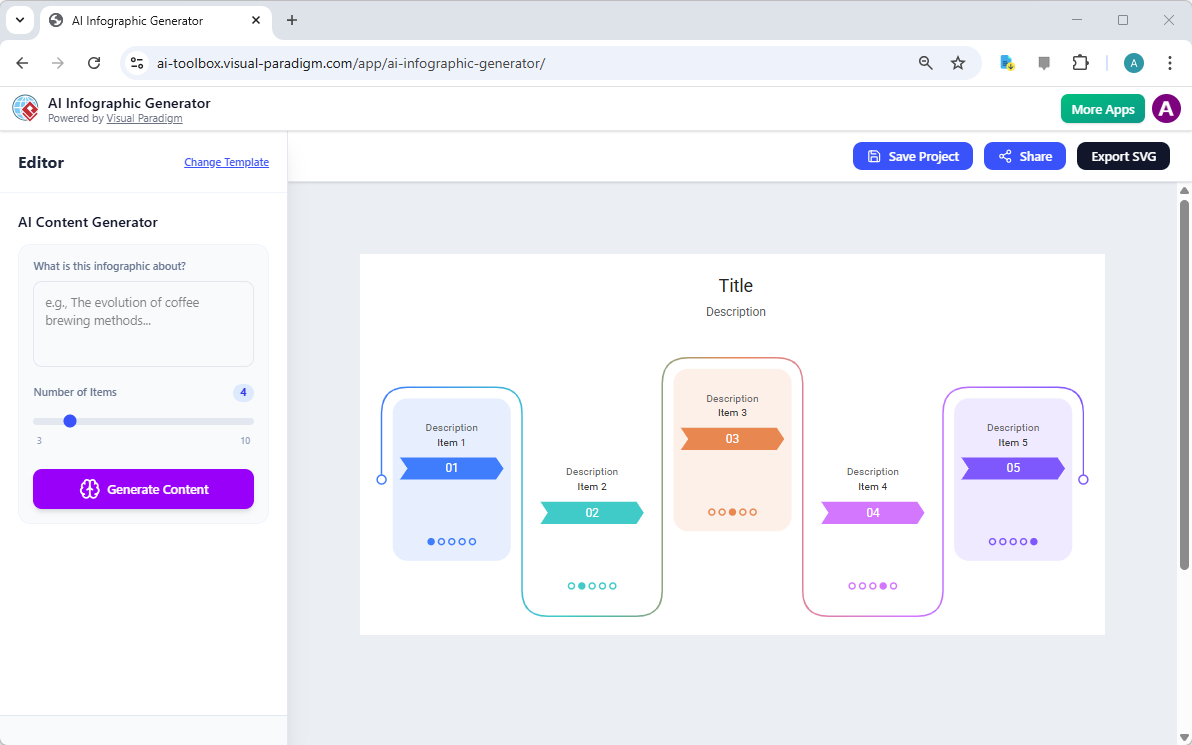
At the heart of this powerful AI-powered infographic maker is its intuitive user interface, designed to make content creation effortless. The journey starts on the main page, which serves as a gallery of professionally designed templates. This is where you select the visual style that best suits your message. Once a template is chosen, the editor opens, providing a clear workspace with the infographic preview on the right and the AI content generation panel on the left. The process is streamlined: you enter your topic, adjust the number of items, and let the AI do the heavy lifting. The result is a polished, ready-to-use infographic that communicates complex ideas with clarity and impact. This is the future of visual communication, and it’s accessible to everyone.
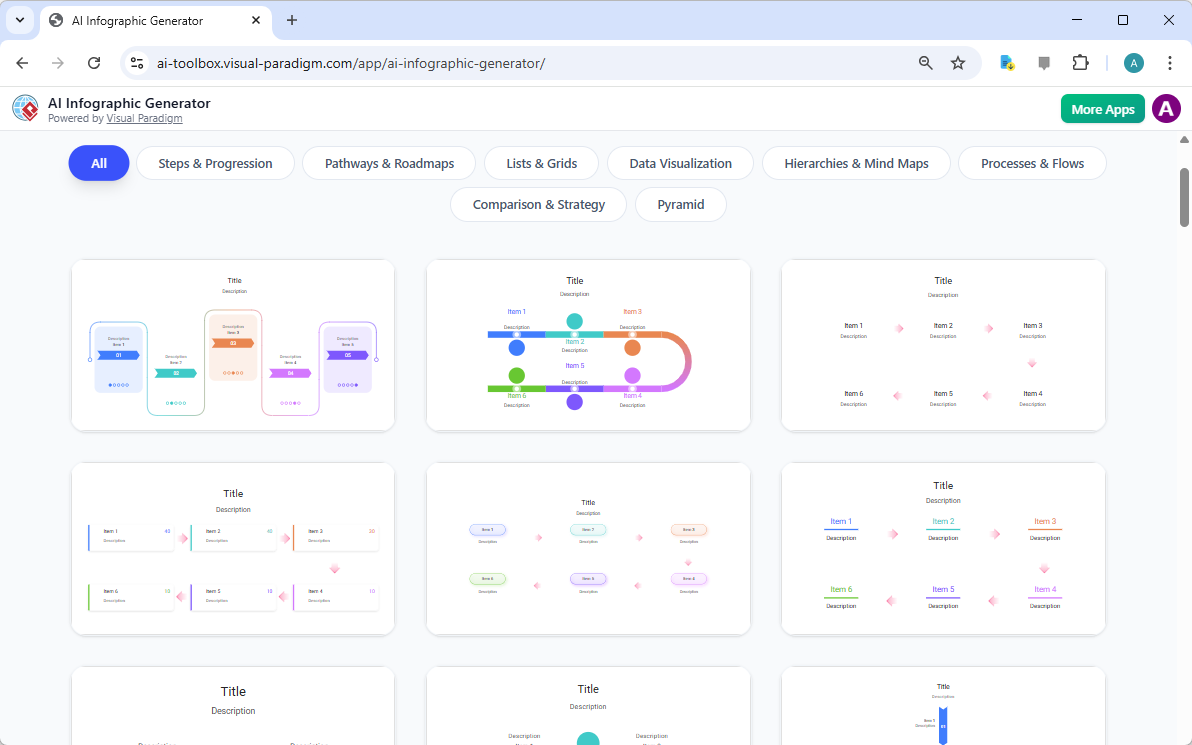
How to Generate an Infographic from a Simple Prompt
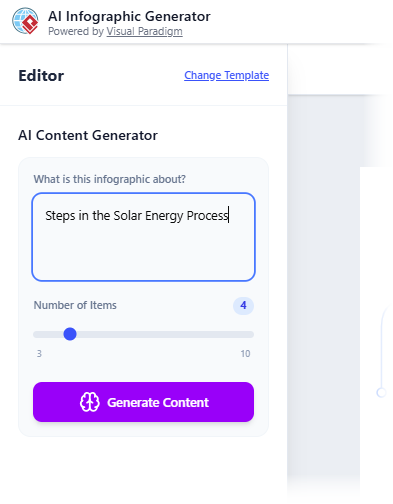
The AI Infographic Generator’s primary function is to turn a simple text prompt into a structured visual. The process is designed to be as simple as possible. After selecting a template, you are presented with a sidebar titled “AI Content Generator.” The first step is to define your topic by entering a clear description in the text box. For example, the prompt “Steps in the Solar Energy Process” clearly defines the subject matter for the infographic. This is the foundational input that guides the AI’s content creation.
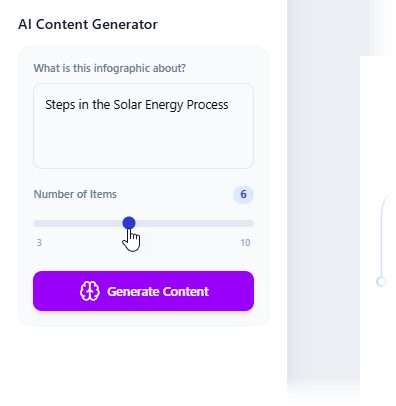
Next, you can use the “Number of Items” slider to specify the scope of your infographic. This control determines how many distinct data points or steps the AI will generate. In the example shown, the user sets the number to 6, indicating a comprehensive overview of the process. The AI is designed to understand the context of your prompt and generate relevant, structured data points that fit within the chosen template’s layout. This step is crucial for ensuring the final infographic is both informative and well-organized.
From AI-Generated Content to a Finished Visual
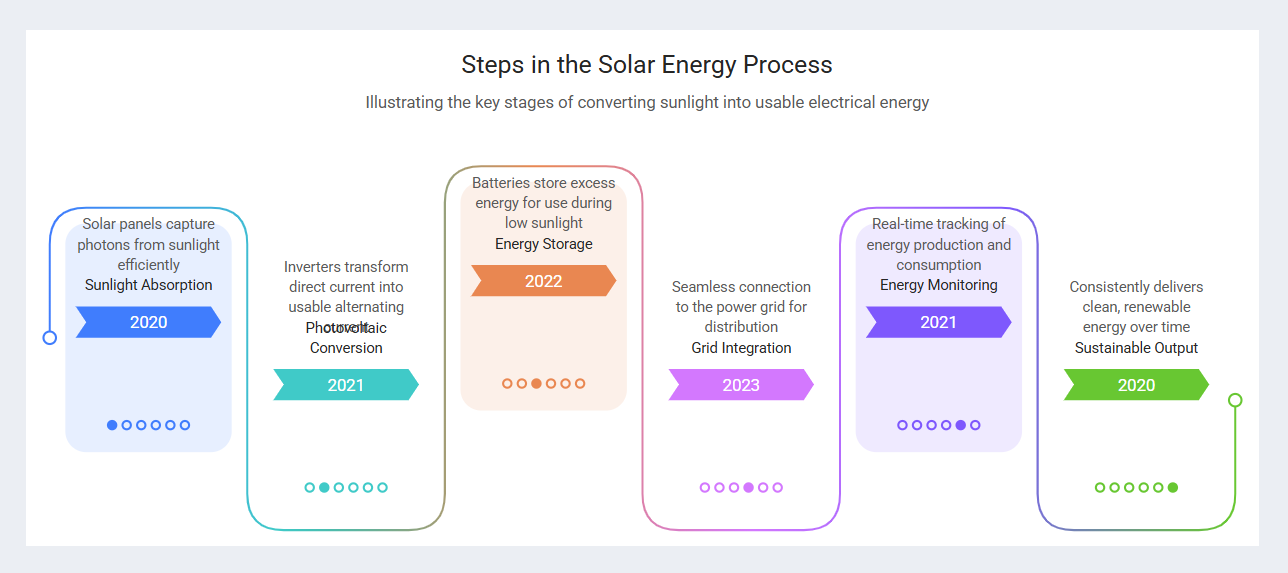
After inputting your prompt and setting the number of items, the magic happens with a single click on the “Generate Content” button. The AI analyzes the topic and generates a full set of structured data, including titles, descriptions, and relevant years or labels for each step. The generator then automatically renders this data into the chosen template, creating the complete infographic. The result, as seen in Image 5, is a fully populated visual that illustrates the key stages of the solar energy process.
However, the initial AI-generated output may not be perfect. As shown in Image 5, the text might overlap or require minor adjustments to ensure readability. This is where the tool’s post-generation editing capabilities come into play. The generator allows you to make real-time changes to the text labels, such as resizing, repositioning, or changing the font size and color. While these manual edits are not saved within the project file, they are preserved in the final exported file, allowing for a quick and effective touch-up. This hybrid approach—AI for content and manual for refinement—ensures a high-quality final product.
Refining Your Infographic for Maximum Impact
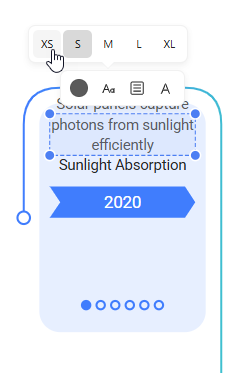
To achieve a polished, professional look, the final step involves refining the generated content. The AI Infographic Generator provides a simple yet powerful editing interface. As shown in Image 6, you can interact directly with the text labels. The tool offers options to resize text, move it to a better position, or change its color to improve readability and visual hierarchy. For instance, you can adjust the font size of a key term like “Sunlight Absorption” to make it stand out.
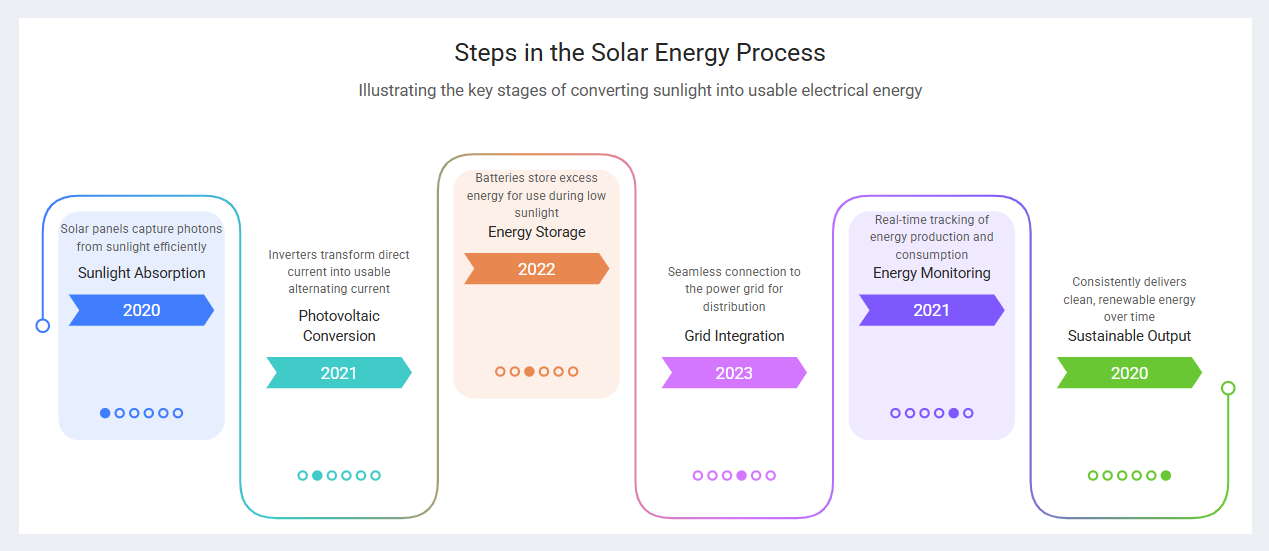
These manual adjustments are critical for ensuring the final infographic is not only accurate but also aesthetically pleasing. The AI provides the foundation, but the final touch is in your hands. After making these refinements, the infographic is ready for use. The final result, as displayed in Image 7, is a clean, well-structured timeline that effectively communicates the complex process of converting sunlight into usable electrical energy. This final product is a testament to the power of combining AI with human creativity.
Key Takeaways
- AI-Powered Creation: The AI Infographic Generator uses artificial intelligence to transform a simple text prompt into a structured, data-rich infographic, saving significant time and effort.
- Template-Driven Design: Start with a professional template to ensure a polished, consistent look without needing design skills.
- Effortless Data Visualization: The tool automatically renders complex information into clear, attractive charts and diagrams, making data easy to understand.
- Simple Editing: Make quick, real-time edits to text, size, and position to refine the final output before export.
- High-Quality Export: Save your work as a project and export it as a scalable SVG file for use in any context, from web to print.
Ready to unlock the power of visual storytelling? The AI Infographic Generator by Visual Paradigm is the best tool to create professional, engaging content in minutes. Whether you’re a marketer, educator, or business professional, this AI-powered infographic maker can transform your ideas into impactful visuals. Try the AI Infographic Generator now and see the difference it makes.
Related Links
Infographic makers provide intuitive, often AI-powered platforms for transforming complex data into visually compelling narratives through drag-and-drop tools, professional templates, and automated design suggestions. These solutions enable teams to enhance visual communication and storytelling without requiring extensive design expertise.
-
Free Infographic Maker – Create Professional Infographics Online: This web-based tool allows users to design informative and visually appealing infographics without any prior design experience.
-
InfoArt – All-in-One Infographic Design Platform: A comprehensive solution for creating, sharing, and publishing professional infographics using intuitive drag-and-drop functionality.
-
Step-by-Step Guide to Creating Infographics with Visual Paradigm Online: A detailed guide that walks users through the process of designing effective visuals using a user-friendly interface.
-
AI-Powered Visual Tools for Creating Infographics, Charts, and Graphics: This article explores how artificial intelligence accelerates the design process by providing intelligent suggestions and automation.
-
Visual Paradigm Online: Create Stunning Infographics and Diagrams: An overview highlighting the platform’s versatility in producing both professional infographics and complex technical models.
-
Infographic Templates – Ready-to-Use Designs for Quick Creation: A library of professionally designed templates categorized by industry and use case to speed up the content creation process.
-
Best Infographic Design Tools – Compare Features & Benefits: A resource for comparing top design tools to help users identify the best software for their specific data visualization needs.
-
AI-Powered 3-Aspect Infographic Designer Tool: This release focuses on an AI tool that enhances design efficiency by utilizing three intelligent dimensions for instant generation.
-
Five Key Elements of Designing an Effective Infographic: A guide that identifies the essential components required to create engaging and informative visual data presentations.
-
InfoChart – Create Informative Charts and Infographics Easily: A specialized tool designed for creating clear, data-driven visuals and engaging infocharts for reports and presentations.
Related posts:
 Comprehensive Guide to Visual Paradigm UML Tools and AI-Powered Modeling
 Visual Paradigm UML Tool: The Complete AI-Powered Modeling Guide for Modern Software Development
 📘 The Ultimate Guide: Sharing Visual Paradigm Flipbooks & Digital Bookshelves to OpenDocs
 My 30-Day Journey Mastering Visual Paradigm OpenDocs and the Pipeline Ecosystem